Features Built to Bridge the Gap from Front Office to Front Line
Stop relying on disjointed paper clipboards, messy tracking spreadsheets, and unorganized group texts. CleanIQ brings six core business pillars together into one intelligent mobile app your entire team can master.
Six Core Tools in One Janitorial App
Each card links to the part of this page that shows who uses it day to day. All six janitorial app features run on the phones your cleaners already carry.
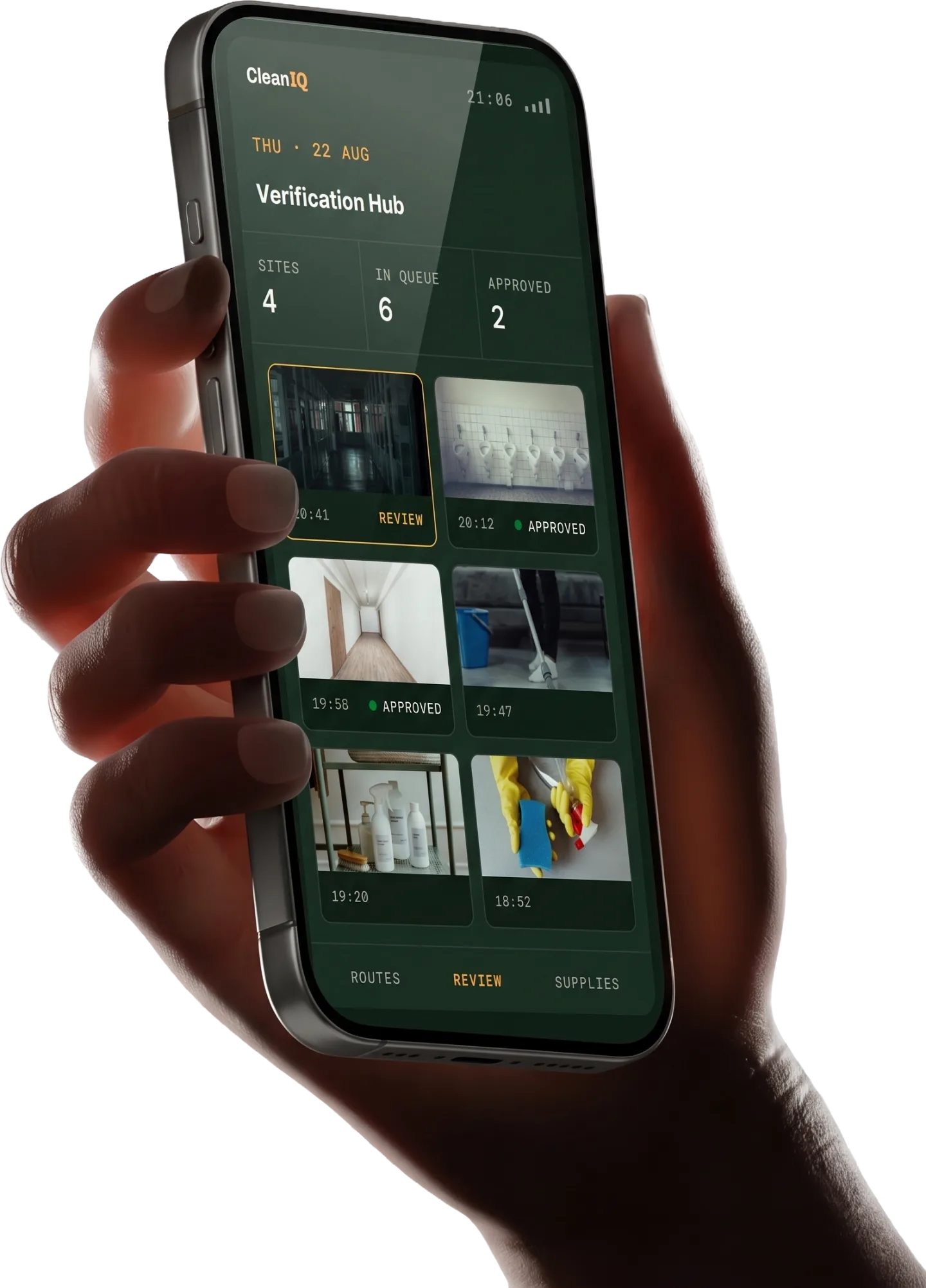
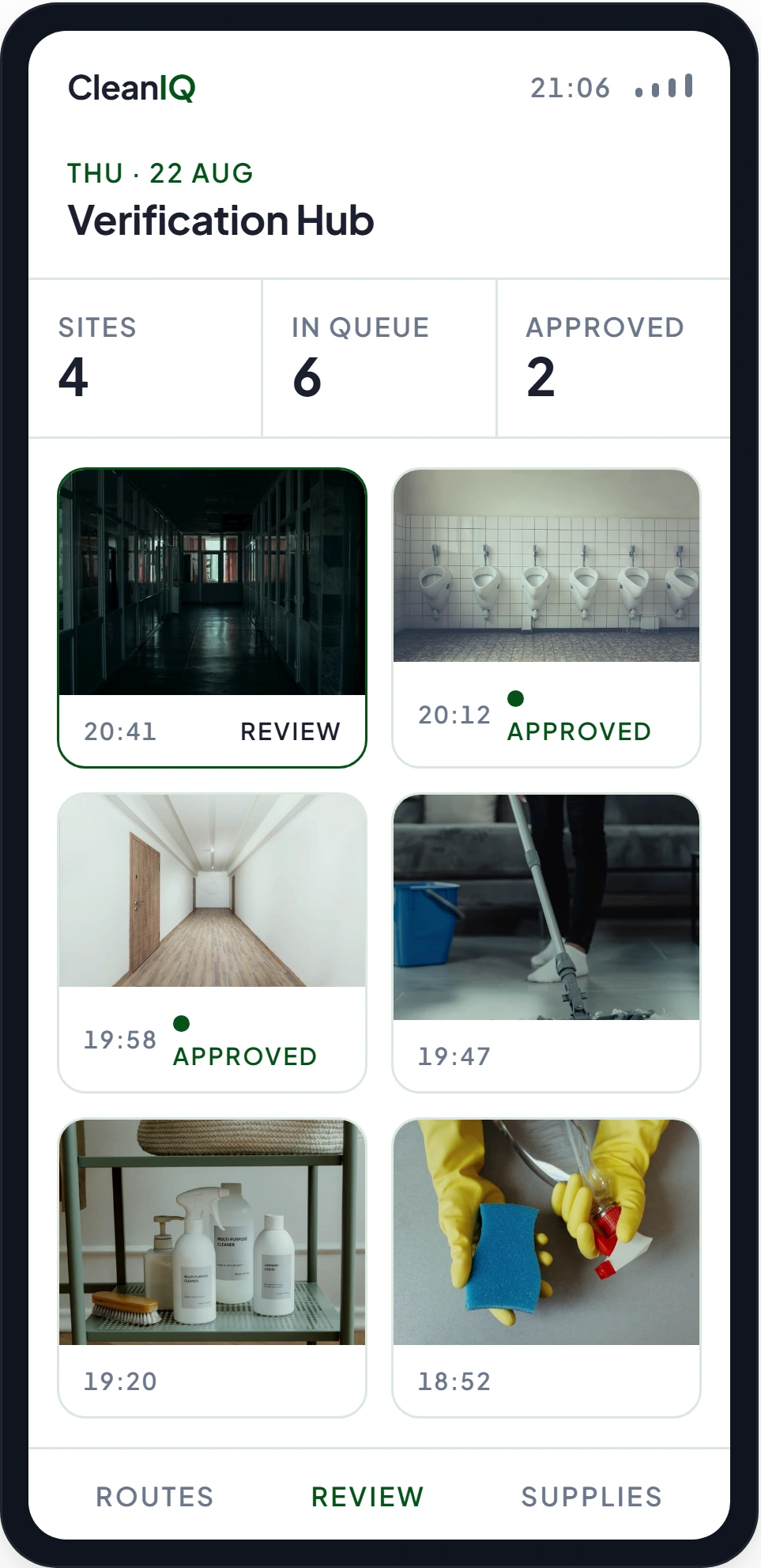
Time-Stamped Visual Verification Hub
Frontline cleaners snap images natively within the app as tasks are finished. CleanIQ locks each file with date markers, real-world timestamps, and absolute location coordinates. Your administration team receives verified proof of service ready to share with clients.
Instant Field Estimates & Accurate Quotes
Formulate project numbers while walking the property. Owners can easily calculate and distribute comprehensive commercial bids or residential contract parameters directly from the field before the site walkthrough goes cold.
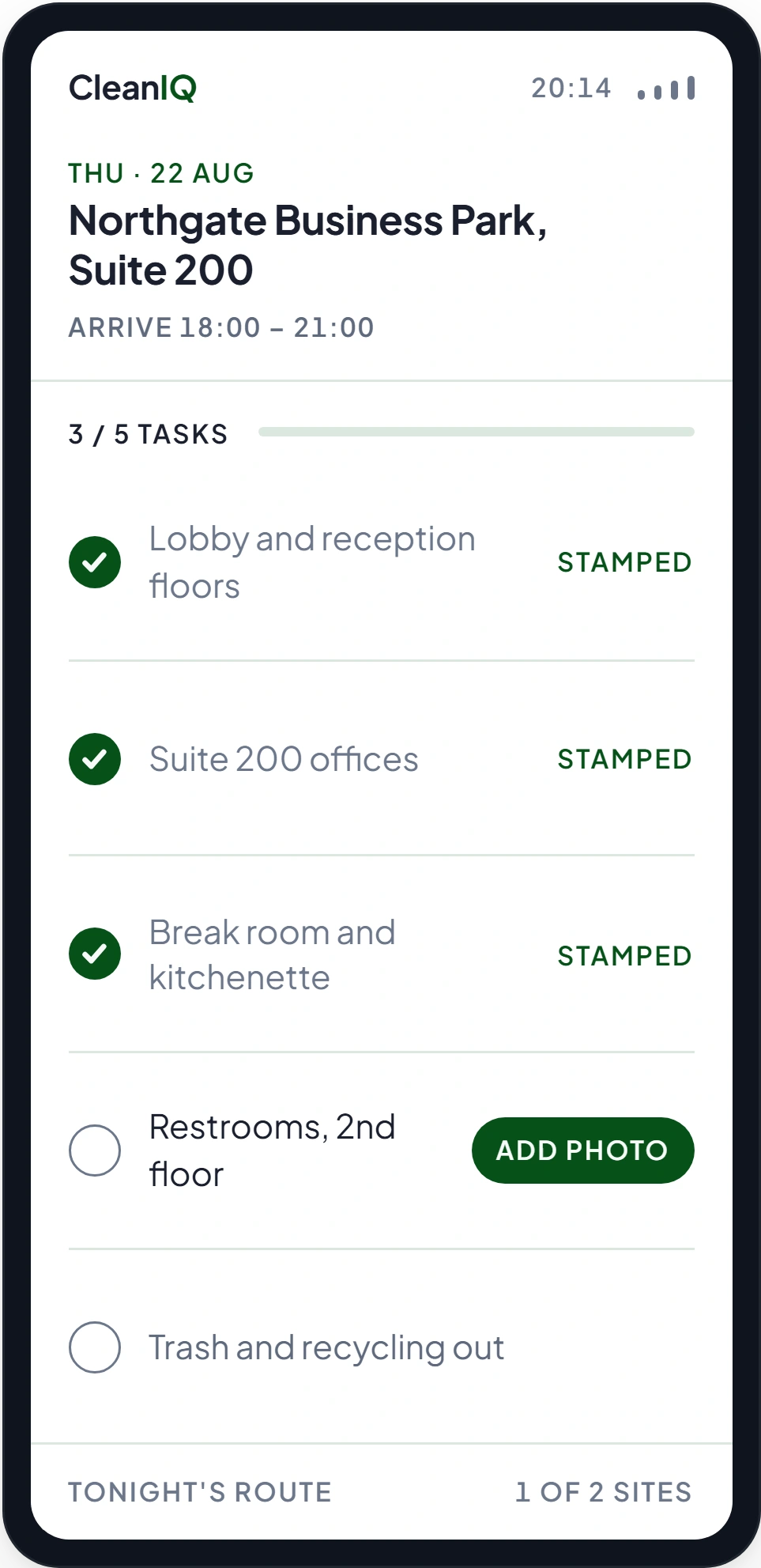
Smart Routing & Visual Checklist Dispatch
Generate custom workflows within an intuitive dashboard in seconds. Your field employees open their phones to instantly see exact client addresses, entry requirements, and explicit room-by-room requirements.
Live On-Site Supply & Material Tracking
Field employees log remaining stock inside storage closets via their smartphones. Supply updates are routed to your warehouse so you can purchase materials before an account runs dry, avoiding emergency field runs.
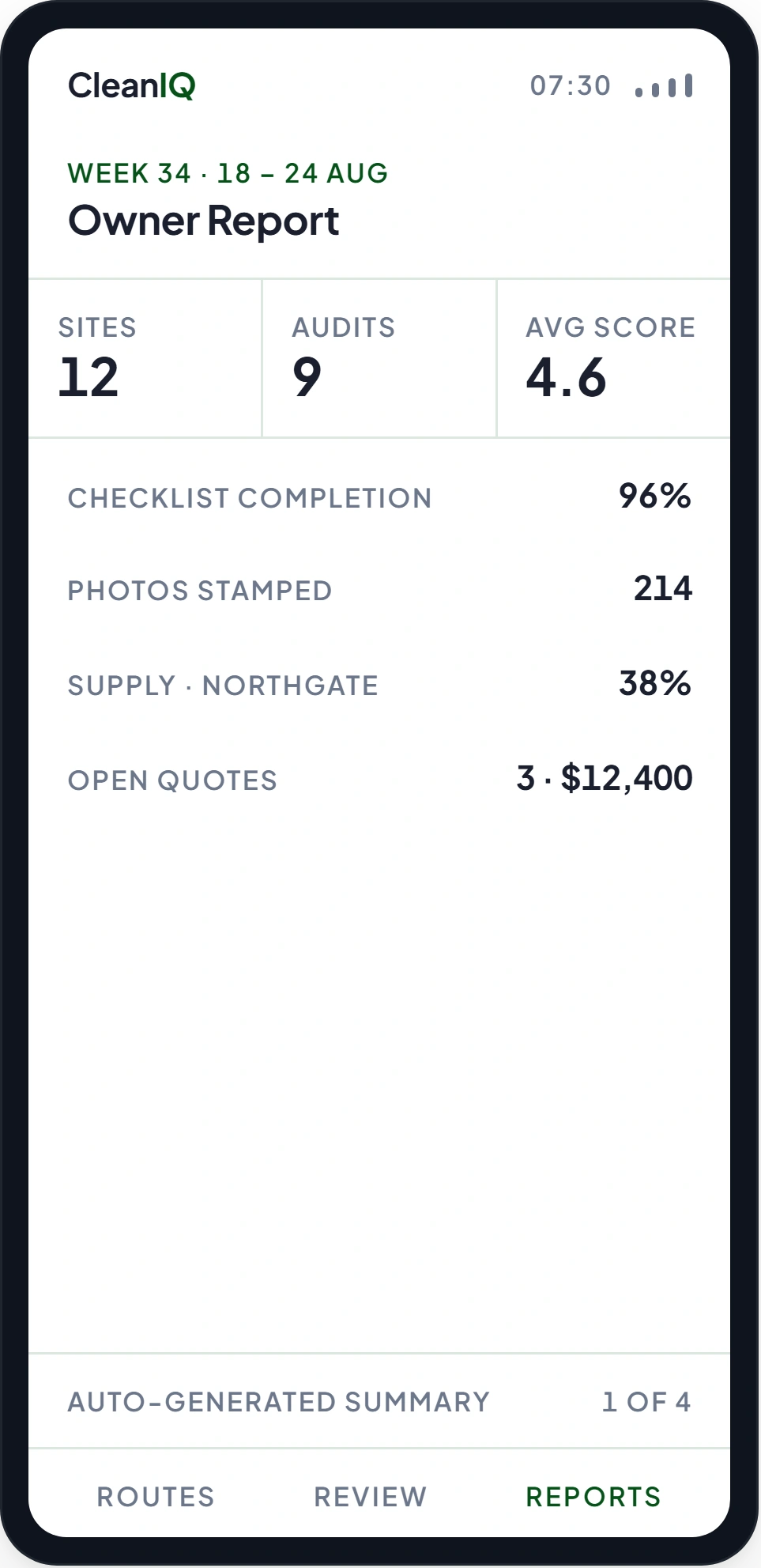
Executive KPI Business Analytics & Reporting
CleanIQ processes individual shift performance to deliver real-world overviews. Easily monitor field productivity rates, quality assurance trends, and checklist completion speeds to see exactly where your business is growing.
Professional Site Audit & Quality Rating System
Supervisors log inspection scores inside the app during on-site quality walkthroughs. These assessments generate historical metrics, helping you pinpoint high-performing teams to reward and identify specific properties needing adjustments.
One Shift, From the Plan to the Report
The Office Plans It
Managers build the schedule and the checklist for each building, then send both to the phones working tonight.
The Crew Does It
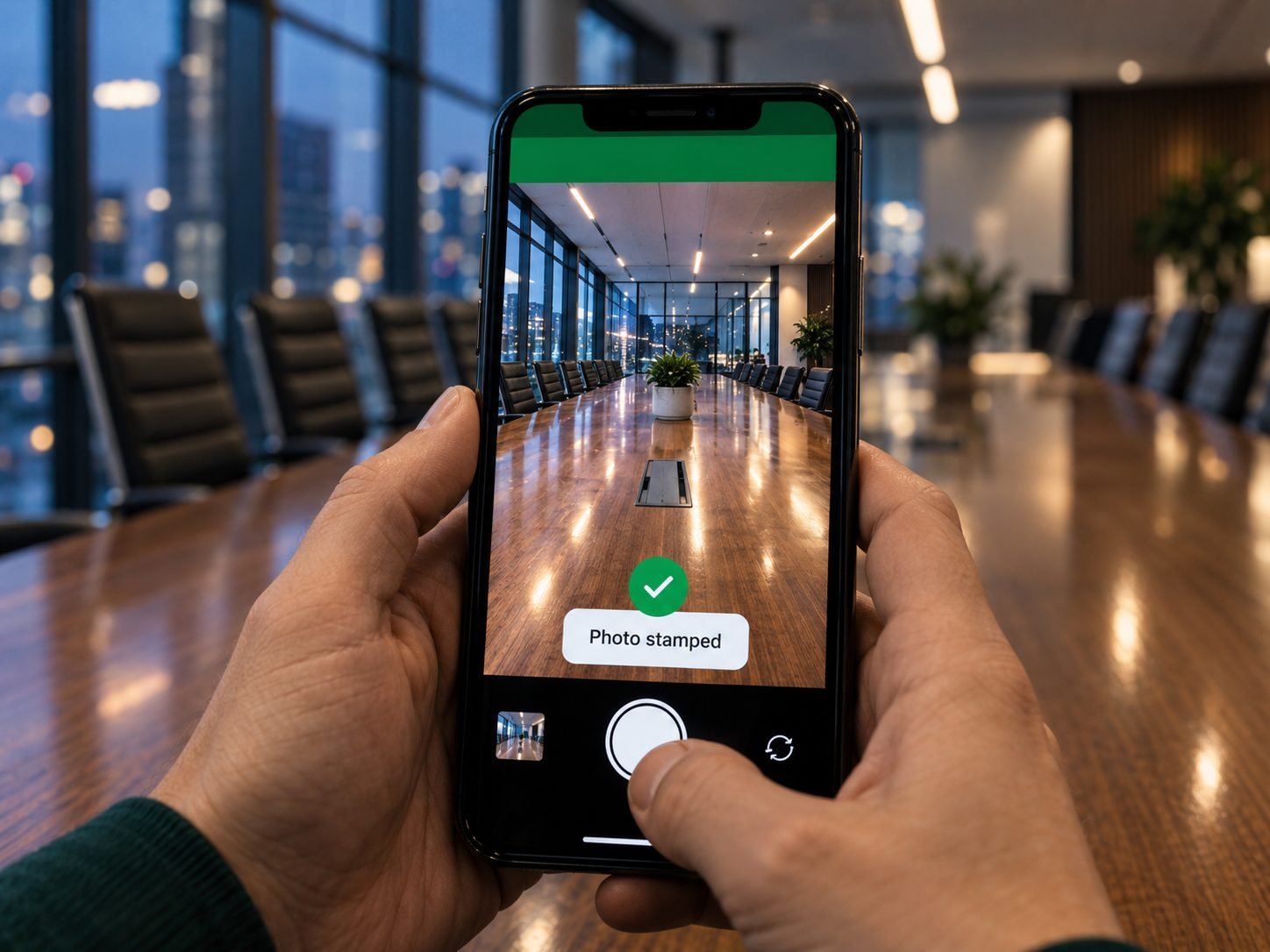
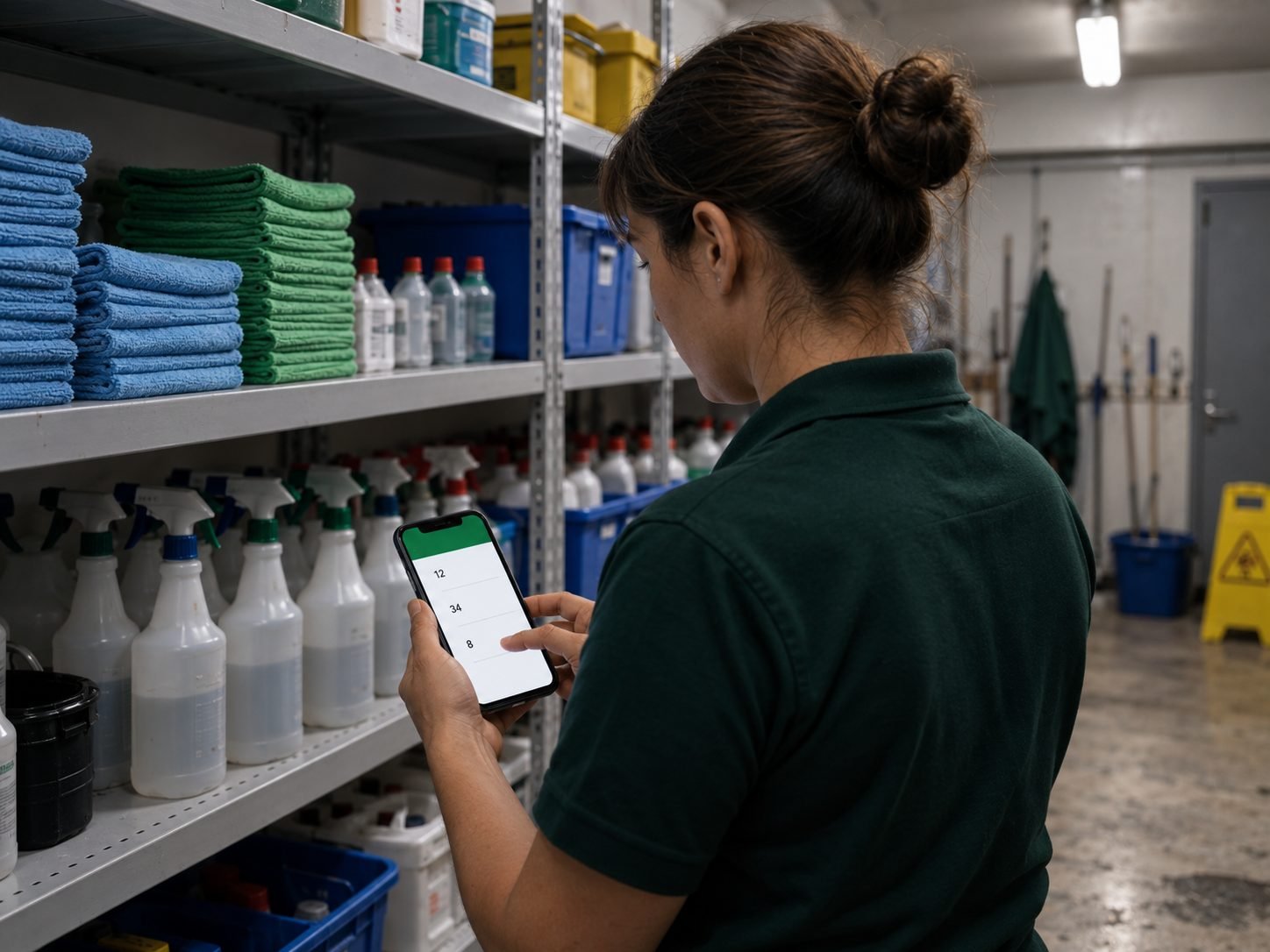
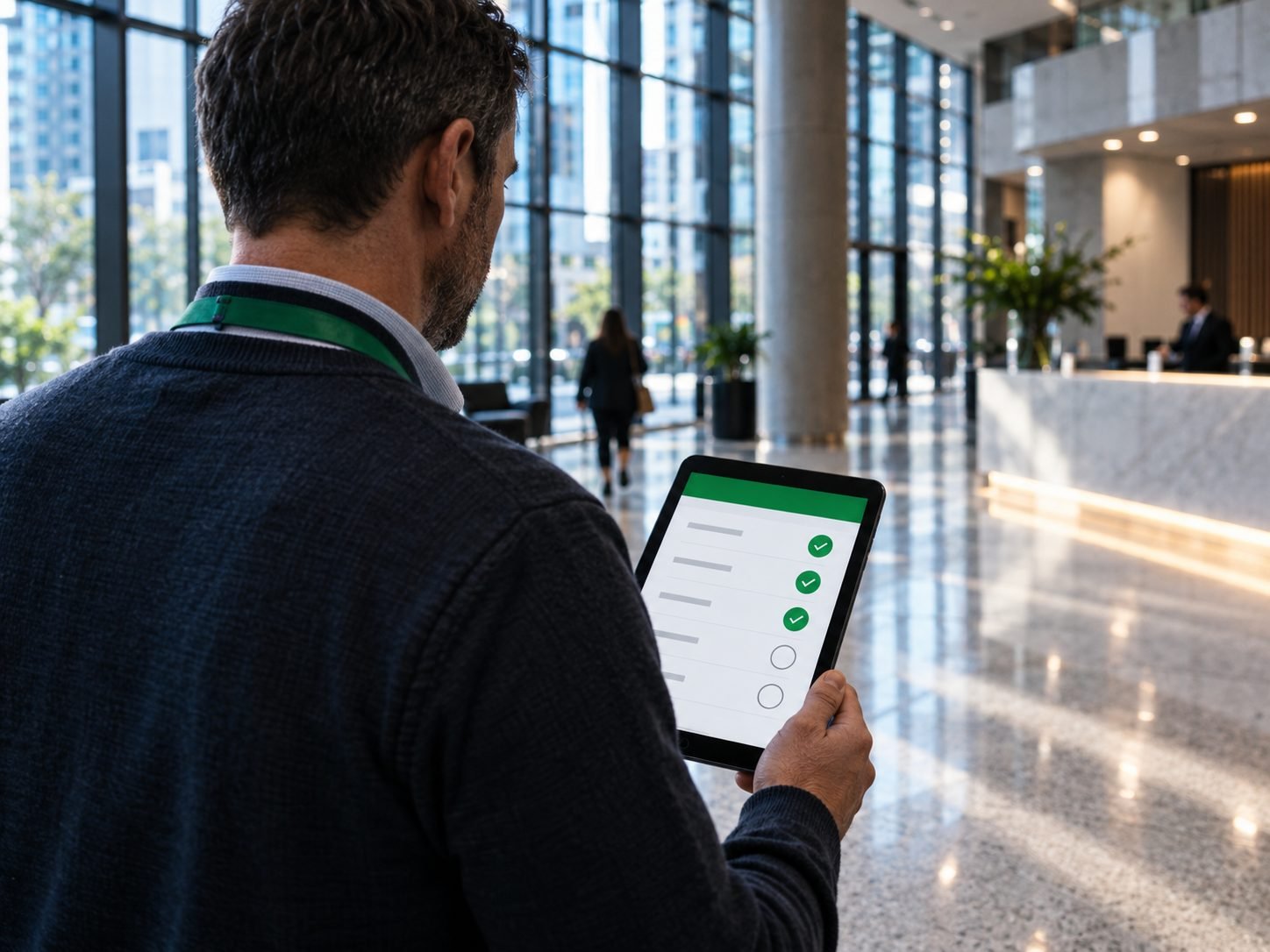
Cleaners work the checklist on site, photograph what they finish and log the supply closet before they leave.
The Owner Reads It
Owners see the scores, the completion rates and the supply levels once the shift is closed out.
The Office Plans It
For the cleaning managers, administrators, field supervisors and area directors who plan the night. Seven tools that turn tonight’s work into a plan any crew can follow.
-
Workforce Scheduling Module
Build the schedule for employees and contractors in one place, publish it, and change it when the night changes. -
Task & Checklist Builder
Write a checklist for one property, hand it to a crew, and watch it get ticked off as they work. -
Visual Verification Review Hub
Look through the stamped photos your crews send in, approve them, and keep them on file for the client. -
Inventory Oversight Board
See what is left in each supply closet as your crews log it, and fix a count yourself if one looks wrong. -
Building Maintenance Triage Chat
Read the broken locks, leaks and damage your crews report, answer them, and close them out. -
Group Help Intercom Channel
Sit in on the team chat where crews swap shifts and help each other, and step in only when you need to. -
Survey Analytics Center
Send the short surveys your crews fill in about the job and about their supervisor, then read the answers.
The Crew Does It
Made for W-2 employees, 1099 contractors, housekeepers and janitorial technicians. Six tools, on the phone already in their pocket.
-
Mobile Work Schedule Dashboard
See tonight's shifts, which buildings, and when to be there, on your phone. -
Interactive Digital Checklists
Check off each task on site as you finish it, so nothing gets missed. -
Visual Proof-of-Work Uploader
Take a photo of the finished room and the app stamps it with the date, the time and where you were standing. -
On-Site Supply Inventory Logs
Log what is left in the closet so the next order goes in before it runs out. -
Building Maintenance Rapid Chat
Report a broken lock or a leaking pipe straight to an administrator, from the room. -
Workforce Sentiment Feedback Loop
Tell the office how the job is going and how your supervisor is doing, in a short survey, in your own words.
Every cleaner in your company can download and use the app free, however many you employ.
The Owner Reads It
Written for cleaning business owners and principals. Four views that price the work, score the work and show you how the whole operation is running.
-
Smart Quoting & Estimation Engine
Build and send a commercial or residential price bid while you are standing on the property. -
Quality Inspection Scorecards
Score a site visit on the spot and keep the record your contract depends on. -
Executive KPI & Performance Metrics Dashboard
See how much each crew gets done, how their quality scores are moving and how fast checklists get finished. -
Operational & Supply Chain Reporting
Get a summary the app writes for you, showing how fast supplies run down and what your crews are telling you.
Four Features That Help You Keep Your Crew
Losing a good cleaner costs money you will not find on any invoice, and so does work that slips a little each week. These four give your crew a way to speak up before either happens.
Real-Time Building Maintenance Chat
A cleaner spots a leak or a broken door and reports it from the room. Your manager sees it at once, before the client finds it first.
Pulse & Employee Satisfaction Surveys
Your cleaners answer a short survey in the app. You see a crew’s mood slipping while there is still time to fix it.
Upward Manager Feedback Surveys
Crews rate their supervisors. You get an honest read on how each one is doing and can spot a training need before it costs you people.
Peer-to-Peer Group Help Chat
Cleaners share tips, sort out problems and swap shifts with each other, without the office in the middle of each message.
Bring Absolute Operational Consistency to Your Cleaning Business